/ Surya Standby / Smart lockers
Device pickup and return, on your team's schedule.
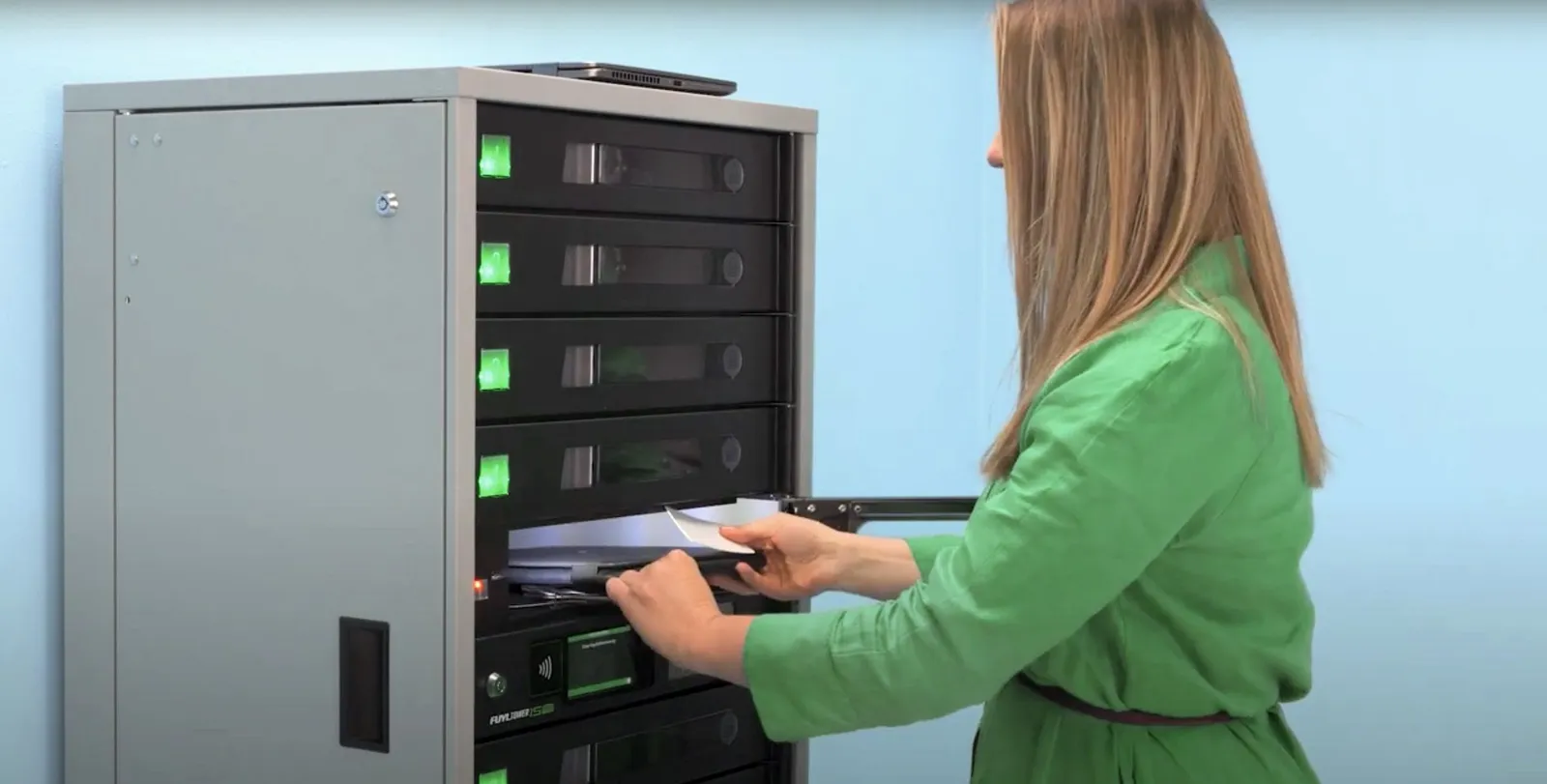
Approved people collect and return devices from a smart locker with their badge or credentials, and every handoff is recorded. Fewer scheduled trips to an IT desk, with access outside desk hours where your site allows it.
LocknCharge partner
A LocknCharge locker system with a defined setup for manufacturing and healthcare sites. You operate it, or Surya keeps it stocked.
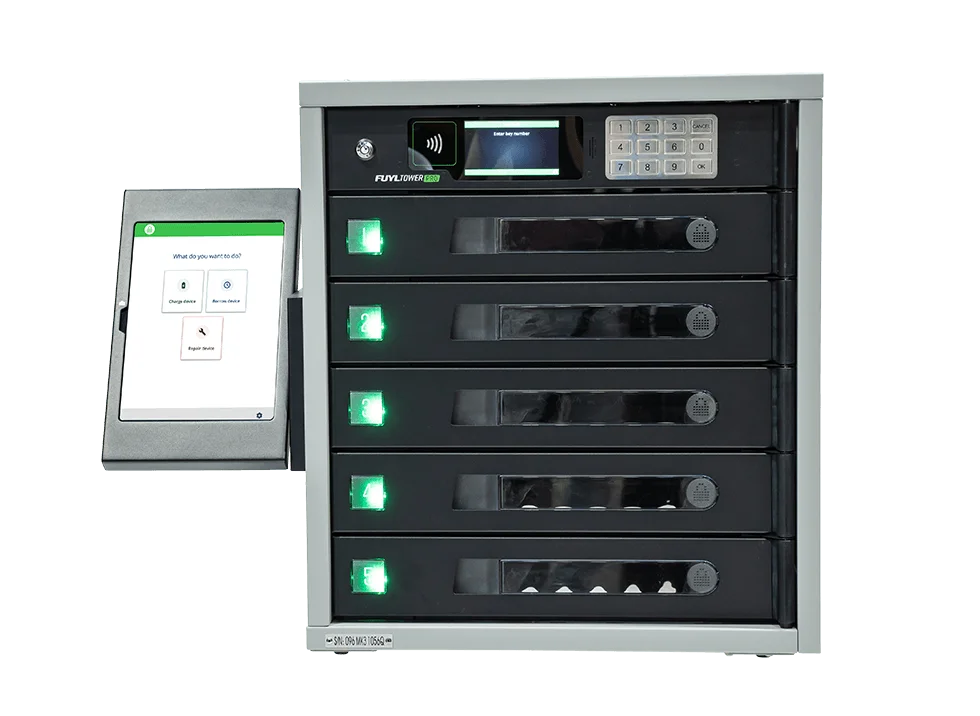
The current LocknCharge smart-locker line is ForwardPass by LocknCharge, formerly FUYL.
Product familySurya Standby
This purchaseLocker hardware, software and setup, run by your team.
Standard checksSupported configuration confirmed before quoting; purchased setup is tested and handed over with documentation.
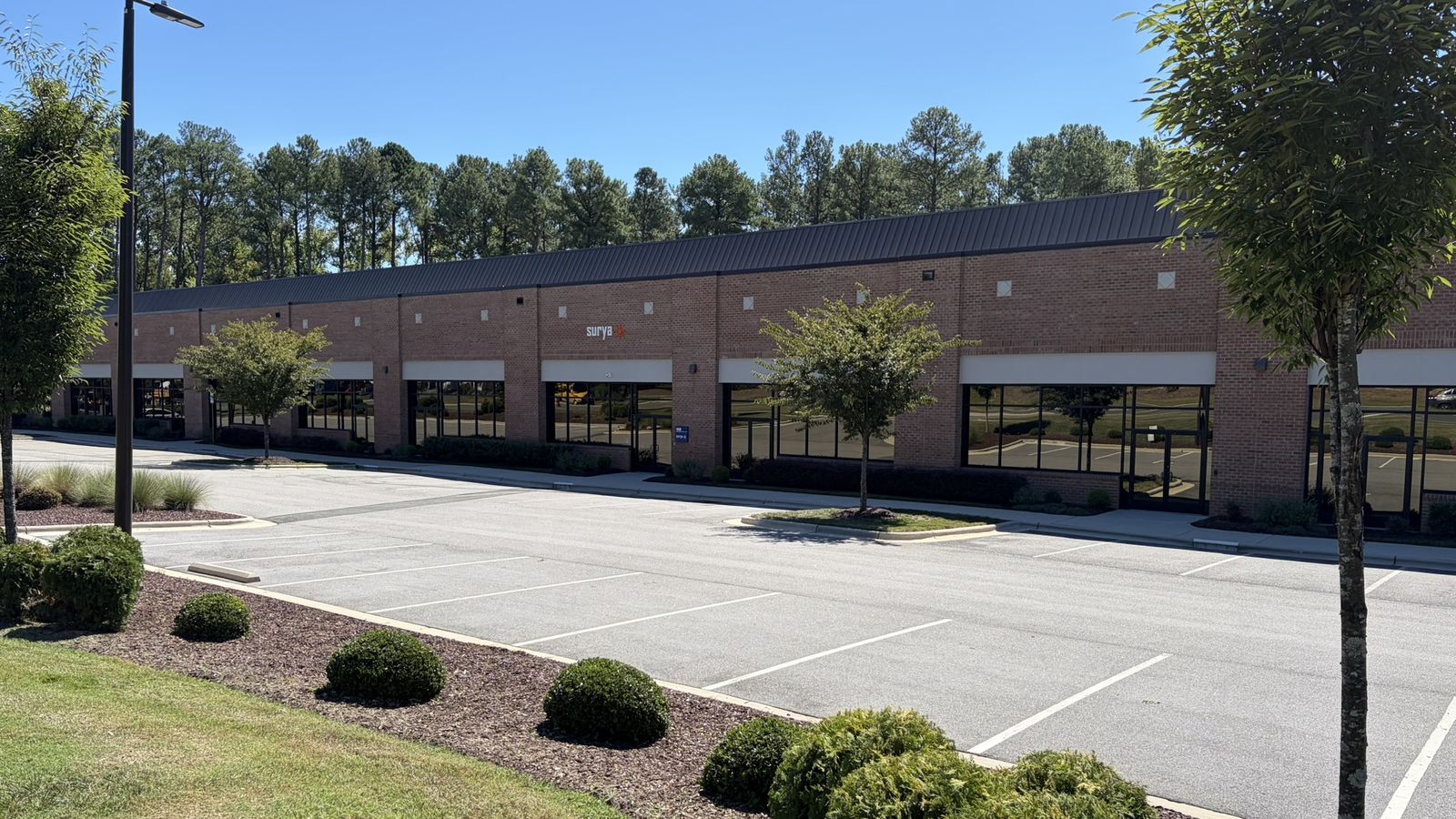
/ Surya RTP Distribution Center - Research Triangle Park, NC
What RTP does for a stocked locker.
You can buy the locker hardware, software and setup for your own team to operate. With the optional stocked Standby service, replacement workstations are prepared at the Surya RTP Distribution Center, the locker is replenished after issue, and returned equipment comes back with recorded custody. Network spares sit in a secure room or cage instead; not every site needs a locker.
- Standalone: locker hardware, software and setup
- Stocked Standby: prepared replacements and replenishment
- Returned equipment with recorded custody
Agents coordinate the approved work. Surya people do the physical preparation, delivery and installation; support is 24/7, and physical work follows the schedule agreed in your scope.
Six jobs a smart locker does well.
Each workflow is set up in the locker software you choose and works with the devices your team prepares and loads.
Shared devices for each shift
Approved staff collect a shared tablet or laptop at the start of a shift and return it at the end, with custody recorded each time.
Check shift devices →Temporary loaners
Someone picks up an available loaner without waiting for IT, and returns or overdue status is tracked as configured.
Check loaners →Repair drop-off
A faulty device goes into a secure compartment for IT to collect. The locker holds it; your repair process fixes it.
Check repair drop-off →Prepared replacements
An approved person swaps a failed device for a compatible prepared replacement, when one is stocked in the locker.
Check replacements →Onboarding and refresh
A new or refreshed device is assigned for collection, and the old one comes back through the agreed return process.
Check onboarding →Secure charging
Compatible devices are kept locked and charging between uses.
Check charging →
Built for plants and care sites
Recommended scenarios for manufacturing and healthcare teams. Device, case and charging fit is confirmed with your actual equipment.
Manufacturing
Operators collect shared tablets or compatible handheld devices at shift change and return them for charging, with custody recorded. When a workplace device fails, an approved person can collect a prepared replacement stocked for that site.
Healthcare and EMS
Staff collect shared tablets for a shift and return them for charging. An approved stocked replacement can be collected outside IT desk hours when the site is accessible, supporting teams across hospitals, clinics, urgent care, home health and ambulance services.
What you buy
Locker system + defined setup
The locker hardware you choose, the required manufacturer software and the agreed setup are quoted together. Software subscription and renewal costs are disclosed in the quote.
Surya sets up
- Confirm your devices, cases and chargers fit the chosen bays and charging
- Confirm site readiness: placement, power and network
- Configure supported authentication for your people
- Configure the agreed workflows in the selected software
- Administrator handover
- A real pickup, return and charging test
Your team
- Prepares and loads the devices
- Handles repairs
- Manages inventory and replenishment
- Runs the locker day to day
Physical installation, freight, mounting and any site works are scoped in the quote. Manufacturer support and Surya's setup responsibilities are agreed in writing before ordering.
Software is part of the purchase.
A smart locker needs manufacturer software. Enhanced software adds a kiosk, portal and preconfigured workflows, and is the natural starting point for a repeatable self-service setup. Classic software is administered manually and suits teams planning their own integrations. Not every workflow or automation is in every package, so the software is scoped to the workflows you choose, and model and software combinations are confirmed in the quote.
Choose a configuration
Pick by the devices, cases and chargers that must fit and the peak number of devices held at once, not by headcount.
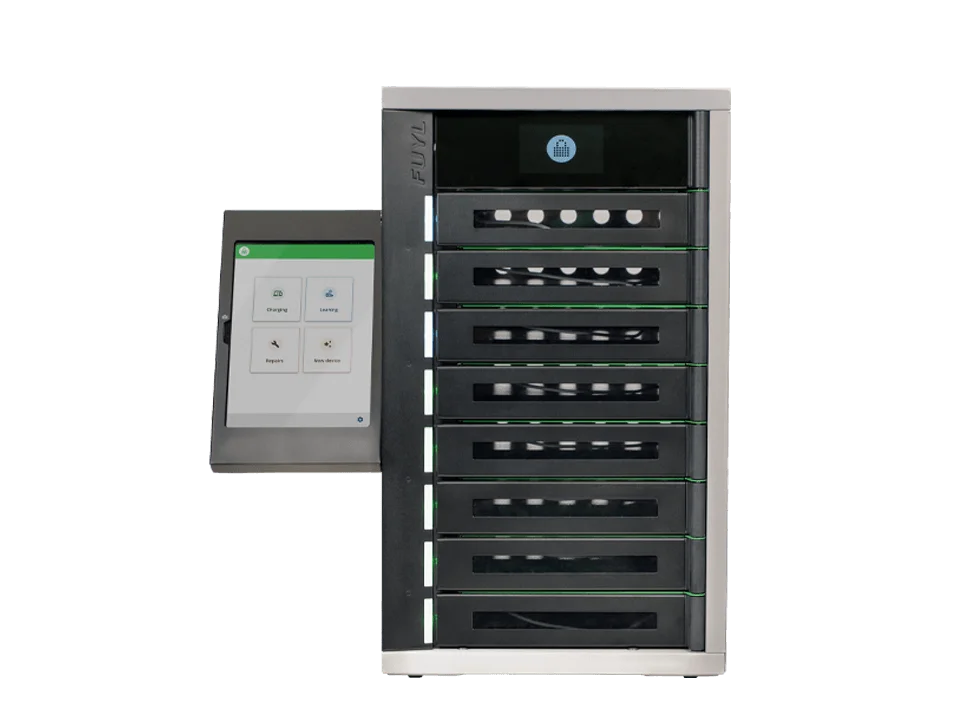
8 bays
- Bay height
- 1.69 in compartment
- Charging per bay
- 36W USB-C PD port and prewired tamper-resistant USB-C cable per bay
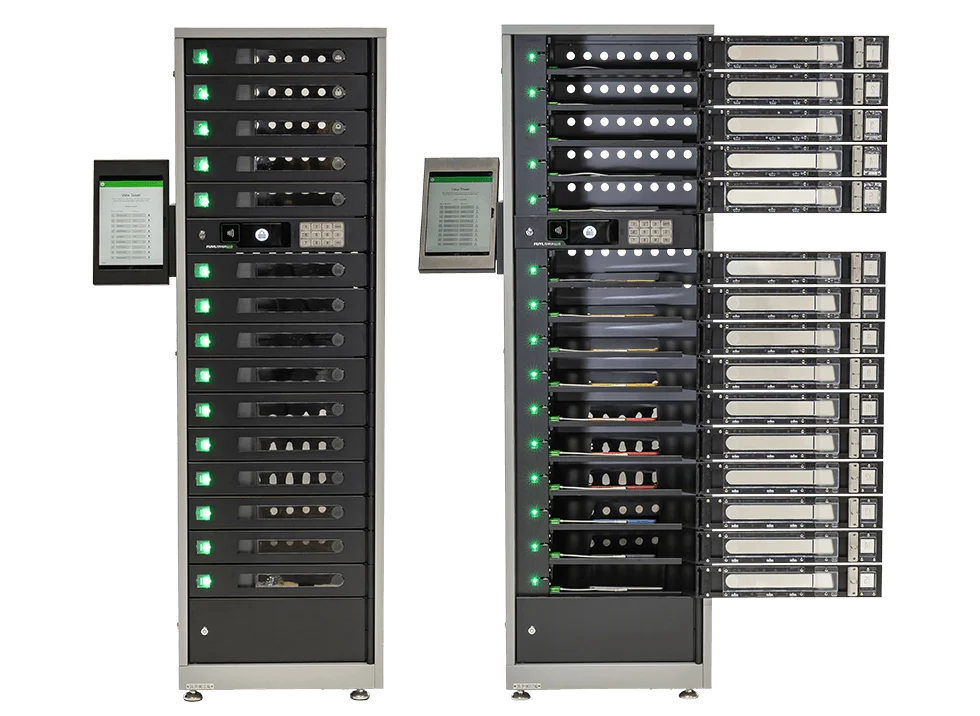
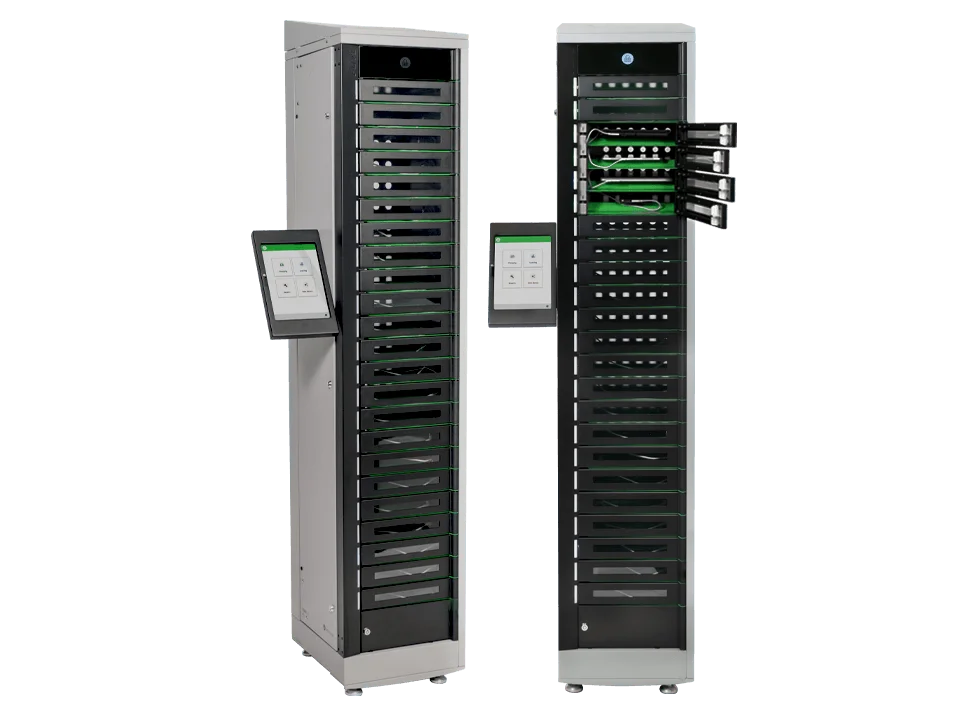
23 bays
- Bay height
- 1.69 in compartment
- Charging per bay
- 36W USB-C PD port and prewired tamper-resistant USB-C cable per bay
Bay fit depends on the device with its case and charger, and charging speed depends on the device. Availability, accessories and software combinations are confirmed in the quote.
Manufacturer information checked 5 October 2026. Images: LocknCharge. ForwardPass solution and specifications - ForwardPass and FUYL naming - LocknCharge smart locker systems - LocknCharge in manufacturing
How it is delivered
01
Approve scope
Hardware, software, workflows, site work and responsibilities in one quote.
02
Supply and set up
The locker is supplied, placed and configured to the agreed workflows.
03
Test
Real authentication, compartment opening, charging of your target device, pickup and return records, and the agreed alerts.
04
Hand over
Administrator handover with the configuration and test results recorded.
Questions
Can we operate it ourselves?
Yes. That is the standard offer: Surya supplies and sets up the locker, and your team runs it.
Is manufacturer software required?
Yes. The required software is included in the quote, with subscription and renewal costs disclosed.
Who stocks the devices?
Your team, unless Surya runs the locker as a stocked equipment service through Surya Standby. Then Surya prepares, stocks and replenishes the agreed equipment.
Which devices fit?
It depends on the device with its case and charger. We confirm fit and charging with your actual devices before ordering.
/ Optional
Expand with Surya
Lockers you buy stay yours and are run by your team. Surya Standby can optionally prepare, stock, track and replenish the equipment inside them under an agreed scope. Standby itself does not require a smart locker.
Start with one locker.
Tell us which devices people need to collect and return, and where. We will confirm fit and return one quote for the locker, software and setup.
Check locker fit →