/ Surya Endpoint
Keep your people productive with ready devices, secure access and meeting rooms that work, and keep control of company access and data through every hire, role change, and departure.
Surya Endpoint makes your people productive from their first day on a secured, standardized workstation, gives each role the access it needs and no more, adjusts that access when responsibilities change, and removes it when someone leaves. When a supported workstation fails, the recovery is already prepared: the device standard, the protected data, the replacement arrangement and the steps a person at the site follows.
Supported identity, endpoint provisioning, Intune configuration, controls, approved applications and protected-data recovery. Autopilot, Intune and Graph are Microsoft functionality; the product is the engineered combination and its verified operation.
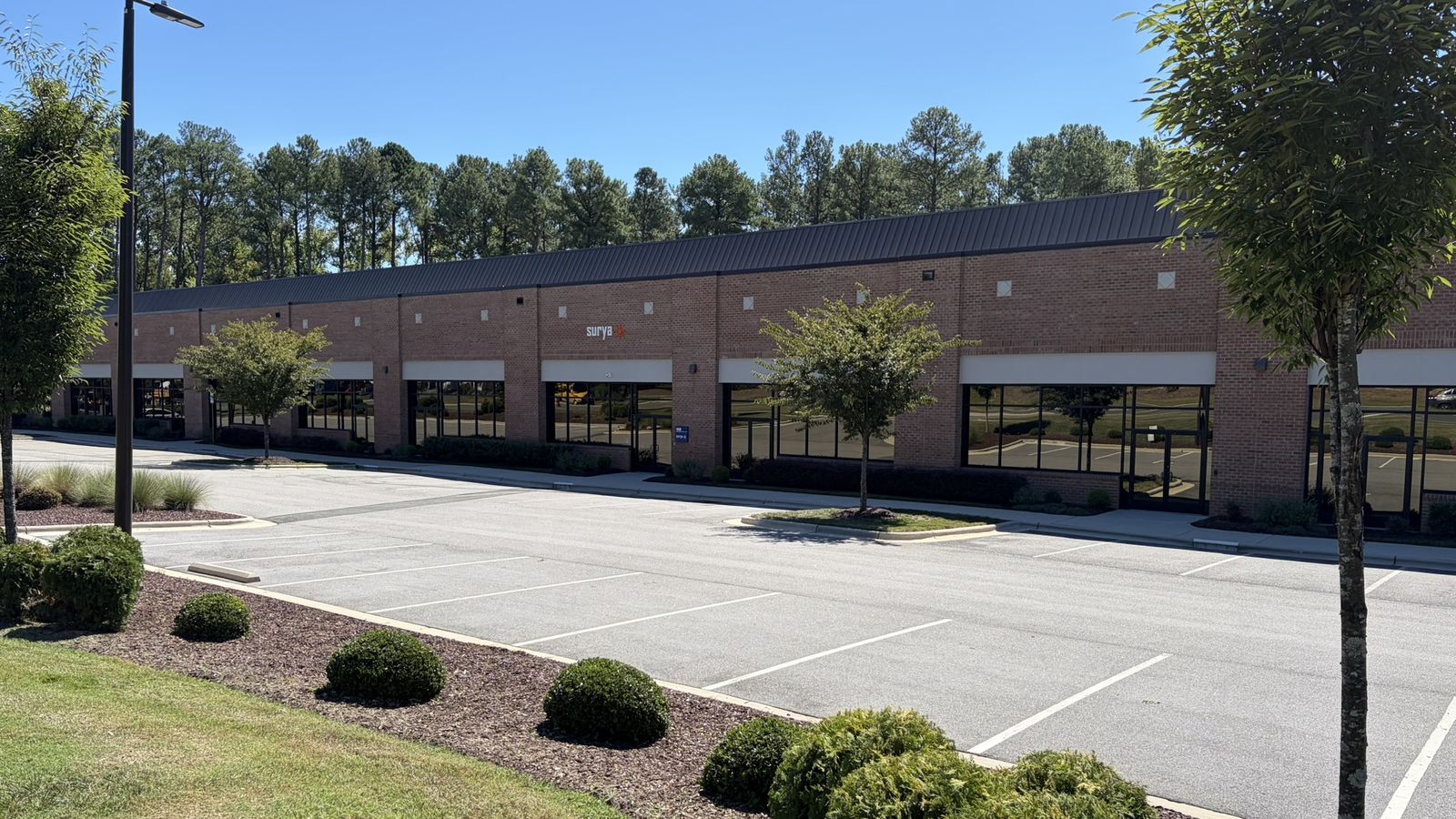
/ Surya RTP Distribution Center - Research Triangle Park, NC
Workstations prepared before they reach your people.
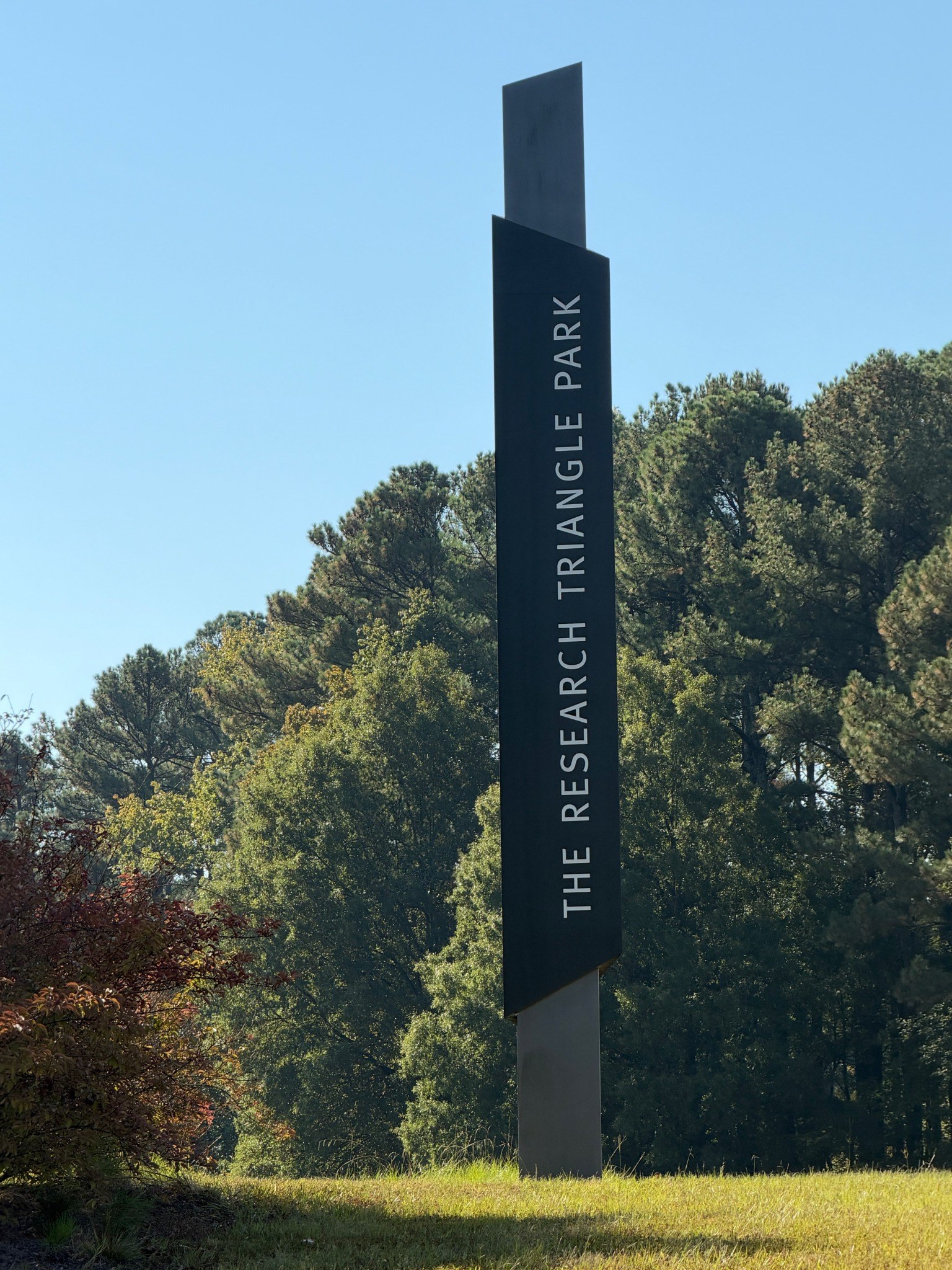
Supported workstations in your scope are prepared at the Surya RTP Distribution Center to the released baseline for the role, then delivered and handed over at your site, with returns handled as agreed.
- Prepared to the released baseline and role
- Delivered and handed over at your site
- Returns handled as applicable to your scope
Agents coordinate the approved work. Surya people do the physical preparation, delivery and installation; support is 24/7, and physical work follows the schedule agreed in your scope.
/ Two outcomes
Resilience outcome
Keep people productive through hiring, device failure, and recovery.
Security outcome
Protect company access and data as people join, change roles, and leave.
What Surya operates to deliver them.
Surya operates the supported workstation standard, identity and access lifecycle, device protection, and recovery of declared protected data.
/ What can be tested or evidenced
- Device configuration and protection status.
- Access changes and recovery authorization records.
- Tests of supported recovery and protected-data restoration.
Business applications, EHR data, production software and locally stored files outside the declared protected locations are not automatically covered.
Automated reporting to Vanta
Endpoint supports automated reporting to Vanta for its agreed endpoint and identity scope.
Surya can arrange independent auditor relationships as part of your product scope when your requirements call for them.
The evidence listed illustrates the product's contribution; the configured reporting scope determines which records are transmitted automatically. Vanta licensing, connection scope, reporting details and any third-party assessment fees are confirmed in the commercial scope.
/ Industry compliance support
Manufacturing and CMMC support →
Support for defined access, authentication, configuration, and protection requirements in the agreed environment.
Healthcare and HIPAA support →
Safeguards around workstations and identity supporting access to ePHI, with protected-data recovery limited to the declared data scope.
Each link explains this product's contribution. No single product independently covers every requirement.
/ Conference rooms with Neat - Neat Advanced Partner
Productive people need devices and rooms that work.
Surya Endpoint covers the personal workstation and the shared meeting space. Conference rooms with Neat can be bought on their own, with no workstation, Standby or Fabric purchase required. The workstation, identity and recovery scope below applies to supported workstations.
See conference rooms →

/ Microsoft 365 - Standalone purchase
Microsoft 365 licensing, on its own.
Buy licenses, renewals and seats through Surya, add a defined setup if you need one, and add Endpoint operation now or later.
See Microsoft 365 →

/ Where the physical use cases live
Prepared replacement equipment is Surya Standby.
Surya Endpoint standardizes and operates the endpoint environment. Preparing, issuing, tracking and replenishing the physical replacements is Surya Standby, which the Endpoint workstation service includes and which can also be bought on its own.
- Start the shift
Explore a defined checkout and return process for shared equipment.
- Replace a failed device
Prepare a replacement and an authorized path back to work.
- Restore the spare position
Follow the return and replenishment process across locations.
- Check readiness
Define what a device needs before it is issued again.
/ What the element covers
- Identity controls, authentication enrollment and a documented recovery path
- Endpoint provisioning and Intune configuration on the released baseline
- Endpoint protection, encryption key custody and supported updates
- Approved application deployment and supported peripherals
- Defined protected data sets, backup operation and tested restore
- Joiner, mover and leaver handling from the standard input and role catalogue
What happens when a supported device fails
/ 01
Ready
A replacement you own is prepared to the approved standard and held at the site, where the released profile includes physical recovery.
/ 02
Authorize
Issuance is authorized and recorded against the serial number, so the swap has an owner and an audit record.
/ 03
Recover
The person at the site follows the runbook to reach the defined working state, including protected data restored from the declared locations.
/ 04
Return
The failed device is returned and routed for repair, certified erasure to NIST 800-88 or retirement.
/ 05
Replenish
The opened position is replenished so the next failure is covered.
The product covers supported devices, approved applications and declared protected data. Local-only data outside the protected locations is not promised to reappear, and a replacement device is not a backup. Where a released profile does not require physical recovery, no locker is installed. Surya does not publish a recovery-time guarantee.
Reproducible, not rebuilt.
Every supported endpoint is provisioned from the released baseline: identity controls, Intune configuration, endpoint protection, encryption key custody, approved applications and supported peripherals.
Joiner, mover and leaver handling runs from the standard input and role catalogue, so access follows the role rather than the memory of the last administrator.
Data recovery is defined in advance.
Protected data sets are declared, backed up and restore-tested. Local-only data stored outside the protected locations is not promised to reappear, and a replacement device is never presented as a backup.
The hires that stand on this product
A plant group



What stands behind them, where in scope: the supply chain at the Surya RTP Distribution Center, prepared replacements at your sites, dedicated agentic compute at RTP. See how the work gets done →
/ The stack
One stack.
Each one can be bought directly and works with what you already run.
Standby, Endpoint and Fabric together are Surya Foundation →/ Deployment
Your first deployment.
Deployment starts with a defined scope - one component, one site or one group of equipment - rather than the whole estate. Components such as a conference room or a smart locker are deployed and handed over on their own. Within the full workstation and site-network products, Standby provides the prepared physical recovery layer. Endpoint or Fabric is deployed to the released profile when that deeper scope is purchased, at the outset or later. Where Surya Fabric is purchased, Surya provides the network system itself: the equipment, its standard configuration, installation and testing.
/ 01
Choose the scope
The products, the equipment classes, one site or one device group. The scope is written down before anything is installed.
/ 02
Compatibility review
For Standby, the configurations Surya will capture and reproduce, the physical placement and the approvals the replacement workflow needs. For Endpoint, your environment is checked against the released profile, including identity and platform dependencies. For Fabric, the sites, connectivity, cabling and site readiness the Surya-supplied network system needs are checked.
/ 03
Written prerequisites
Anything that must change first is stated in writing, together with the approvals your organization needs to give.
/ 04
Installation
Surya installs the agreed physical arrangement and the prepared replacements, deploys and tests the Surya-supplied network system where Fabric is purchased, and configures any purchased Endpoint scope to the released standard.
/ 05
Acceptance tests
Each product is accepted against its own tests, so the result is inspectable rather than asserted.
/ 06
Ongoing operation
Surya operates the accepted scope, and faults inside it are Surya's to resolve.
What changes in your environment
- Surya Standby reproduces the configurations you already run; it does not require your estate to be rebuilt first, and keeping your existing production setup is not a barrier to it.
- Standby prepares replacements for your existing supported equipment and configurations. Endpoint can retain devices where its released profile permits. Fabric supplies, installs and tests the network system for the agreed sites.
- Where Endpoint is purchased, configurations inside that purchased scope are brought to the released profile, which can change how some settings are managed today, and replacement preparation then follows that baseline. Where Fabric is purchased, the supported site network runs on the Surya-supplied system and its standard configuration. Equipment and identity models outside the purchased scope are unaffected.
- Approvals from an accountable owner are required for consequential changes.
- Providers responsible for adjacent systems, applications or machinery remain responsible for them, and Standby on its own leaves ongoing tenant, endpoint and network administration where it is today.
An illustrative first scope: one site, the agreed equipment classes, the existing configurations captured per role, the prepared replacement positions for them, and the acceptance tests for that scope. Quantities, timing and commercial terms come from the proposal for your environment.
Each product has its own prerequisites. Standby does not require Endpoint or Fabric, and buying Fabric does not automatically require Endpoint. Any dependencies that extend beyond the selected site are identified during qualification.
What it depends on
Supported licenses for each released profile, a supported tenant and identity model, and named access and data owners.
What it excludes
For workstations, a defined Microsoft foundation, not every application or every Microsoft feature; conference rooms follow their own Neat room standard. No line-of-business software engineering, business-process redesign or unlimited training. A replacement device is not a backup, and local-only data outside the protected locations is not promised to reappear.
How it is accepted
Provision a new supported device; restore an authorized user to the defined working state on a replacement; test account recovery and the denial of an unauthorized recovery attempt; verify approved controls; execute a safe data restore; validate joiner and leaver handling; run a controlled containment exercise.