Minimum standard
The baseline at every site
- OT in its own zone, apart from corporate IT
- No flat network and no shared trust between office and floor
- Nothing crosses unless it is documented and approved
How it works
Start with the equipment that supports production or care delivery. Choose the platforms and operating profile the site needs, with clear responsibilities for approved changes and recovery.
How it works
01
Choose Standby, Endpoint or Fabric around the equipment that supports production or care delivery.
02
Confirm supported equipment, licensed capabilities, permitted changes and the connected or air-gapped profile with your network owner. Agree coverage and escalation before work starts.
03
RTP prepares compatible replacements. Field engineers deploy and configure supported tools and endpoints and perform assigned replacement work. Your network owner provides the agreed connectivity and separation.
04
Remote engineers configure and monitor supported tools and endpoints where approved connectivity permits. Standby supports assigned equipment recovery; network, engineering and OEM owners approve return to service within their responsibilities.
We agree the equipment, permitted work, checks and response arrangements before service begins. Engineers and approved automation follow those procedures. If an unexpected condition prevents completion, we pause the action and involve the named owner.
Agreeing these procedures is a condition of accepting service at each site.
The OT boundary
This is the condition of entry. Your network owner builds and runs the separation. We work inside it, connected or fully offline.
Minimum standard
Secure IT/OT convergence
Traffic crosses only where your network owner has opened a path. Our remote engineers use those paths and no others.
Where the site requires it
No live path to corporate IT, the internet or the cloud. Work happens on site. Updates arrive by an offline transfer you approve.
Research Triangle Park, North Carolina
Most of what fails at a site cannot be fixed over a remote session. So we built a distribution center. Replacements are built and checked there, in Research Triangle Park, North Carolina. Field engineers install on site. Remote engineers watch what you have approved them to watch. The equipment is yours, bought on your paper. We run it.
How the delivery works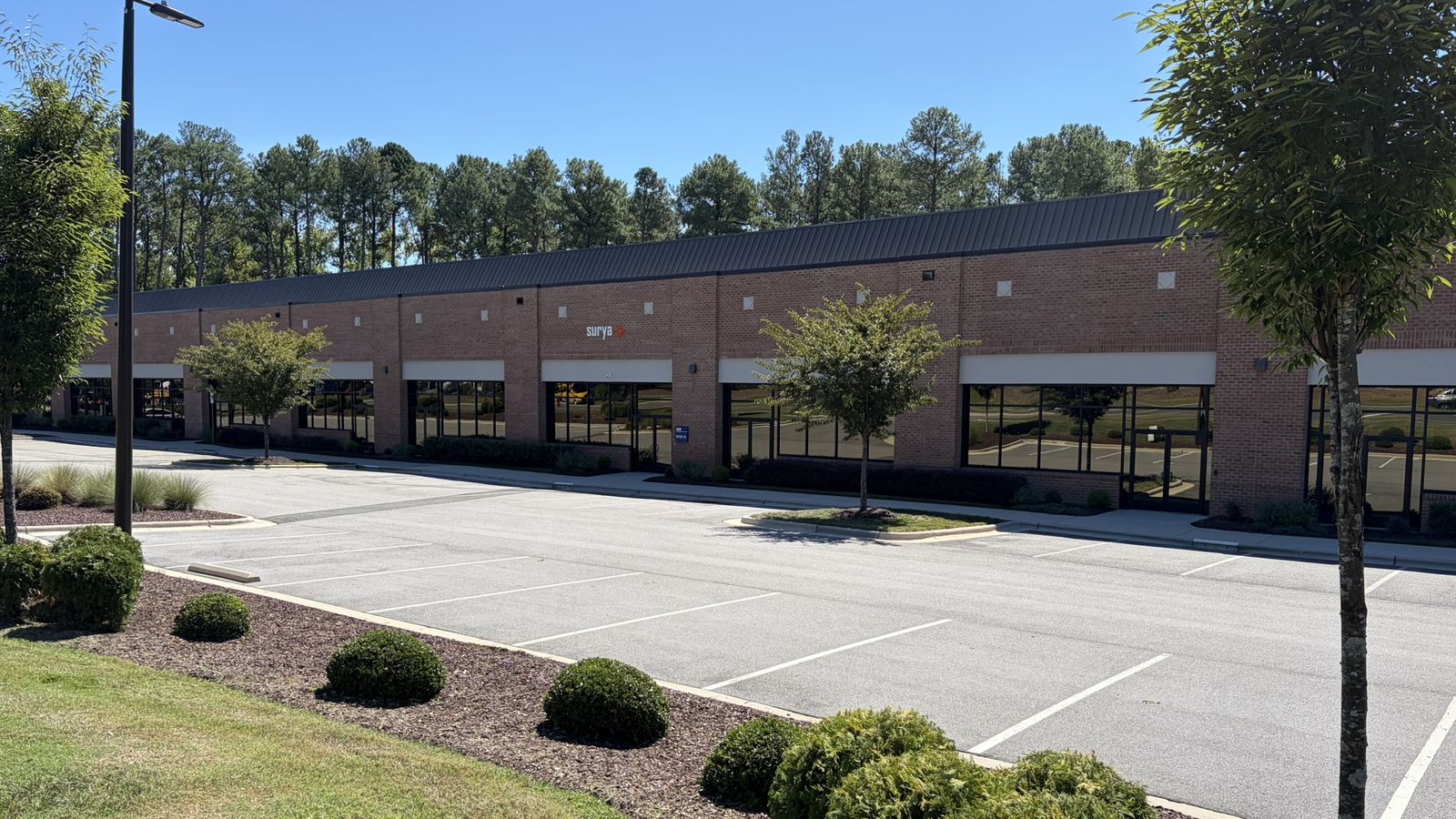
01
Built and checked against your approved configuration.
02
Held in a locker, a locked cage at your site, or at RTP.
03
Field engineers install and configure on site.
04
The prepared replacement and the saved configuration go in. Your engineers and OEMs make the call on return to service.
05
What you use, we restock. Every unit tracked.
Working alongside IT
The replacements and the supply chain behind them. The configuration backups. The OT inventory. The operating PCs.
Email, identity, business applications, employee laptops, and the network. Not our business, and we will not quote it.
The process, the logic, the calibration, and the call on return to service. Always.
An asset comes into scope when it supports the site's production or care delivery and matches a supported Surya configuration. Changes to running equipment follow the designated owner's approvals and the agreed maintenance and change process. Network ownership is named at qualification; platform visibility does not transfer network enforcement or operation to Surya.
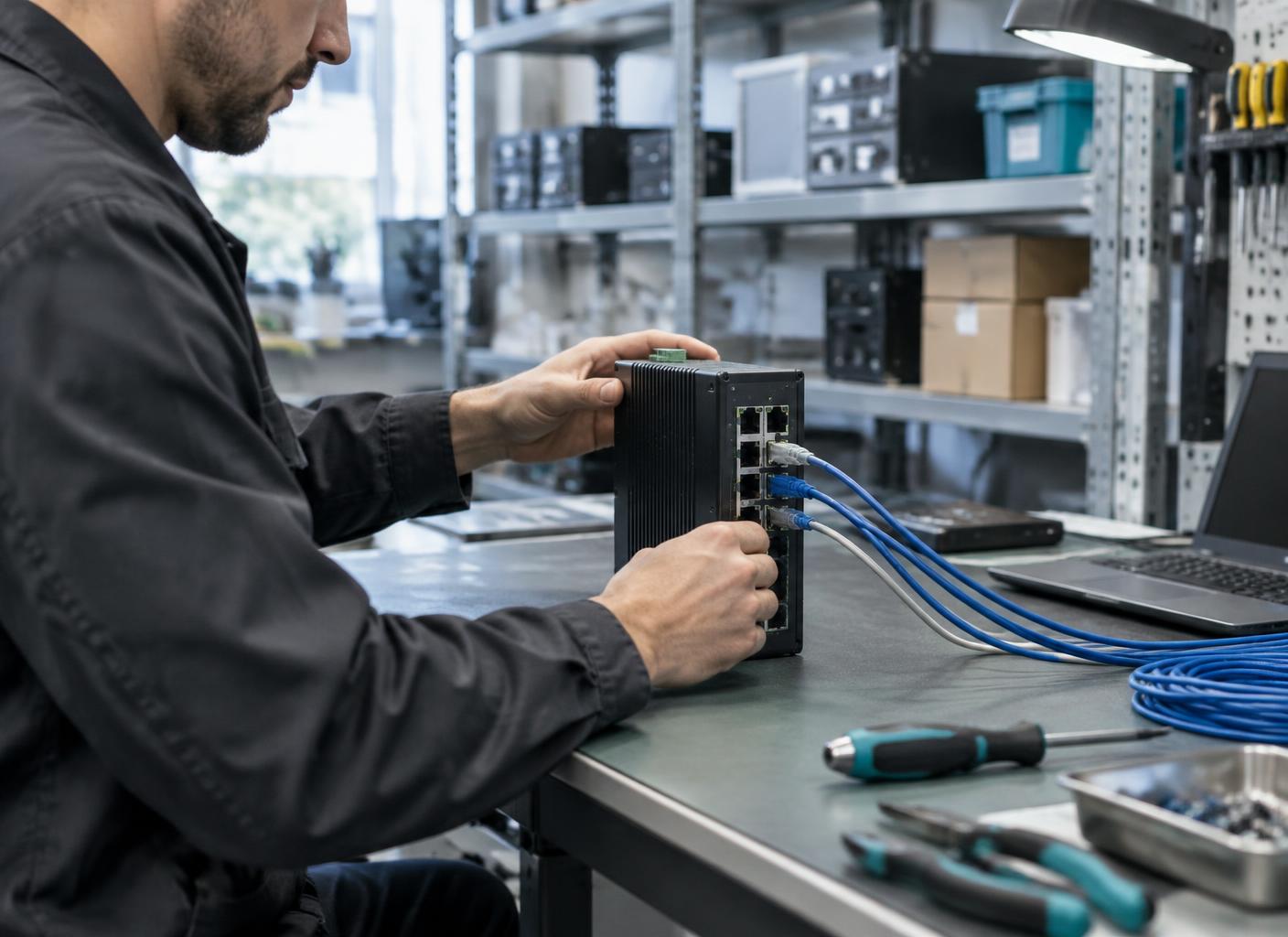
Equipment preparation
Most of what fails at a site cannot be fixed over a remote session. So we built a distribution center. Replacements are built and checked there, in Research Triangle Park, North Carolina. Field engineers install on site. Remote engineers watch what you have approved them to watch. The equipment is yours, bought on your paper. We run it.
Approved automation supports operation within the agreed scope and follows the same approved procedures as engineers. It does not replace the owner's authority over production or care-delivery equipment.
Your next step
Tell us what yours runs on. If we can stand behind it, you get a scope and a clear line on who owns what. If we cannot, we will say so.